

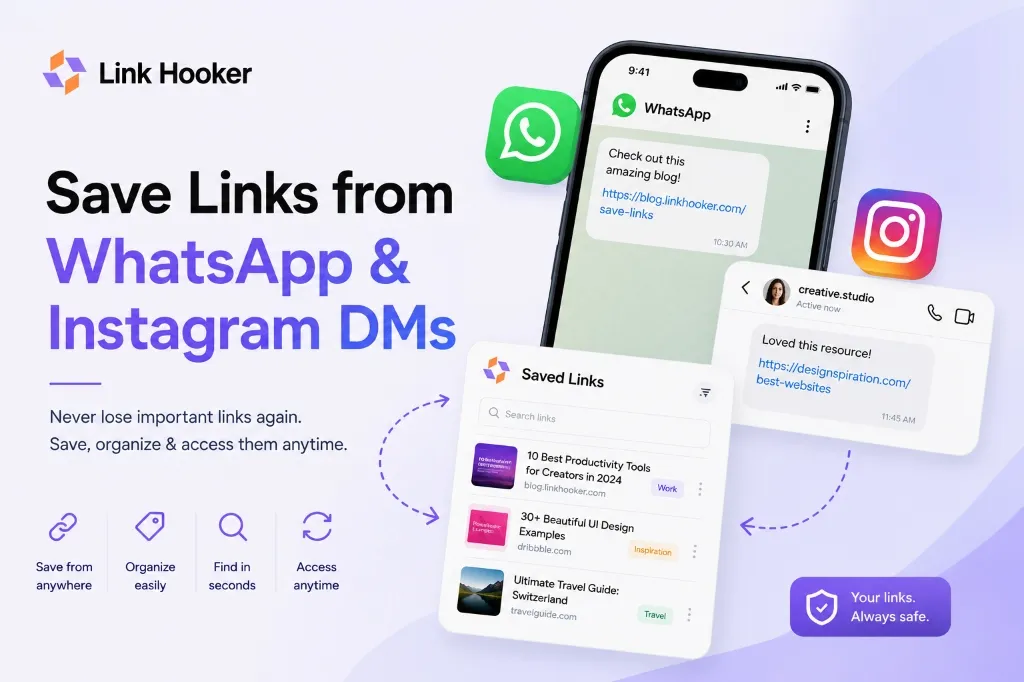
If you have ever sent yourself a link on WhatsApp just to save it for later, you already know how this story ends. It sits in your chat for a week, then a month, and then it is buried under a hundred other messages and you cannot find it again. WhatsApp has over 500 million monthly users in India, according to Meta's own figures reported by TechCrunch in December 2024, and a large share of them use it exactly this way, as an accidental bookmarking tool it was never built to be. This post covers how to save links from WhatsApp and Instagram DMs properly, so you can actually find them again when you need them.
What this post covers: How to save links from WhatsApp and Instagram DMs so they do not disappear into old chats. It is for anyone who uses self-chat or DMs as a save-for-later habit, students, professionals, or anyone collecting startup ideas, tutorials, or articles. You will get a working method for both apps, plus what to do with the links you have already buried.
Table of Contents
Why WhatsApp and Instagram Were Never Built for This
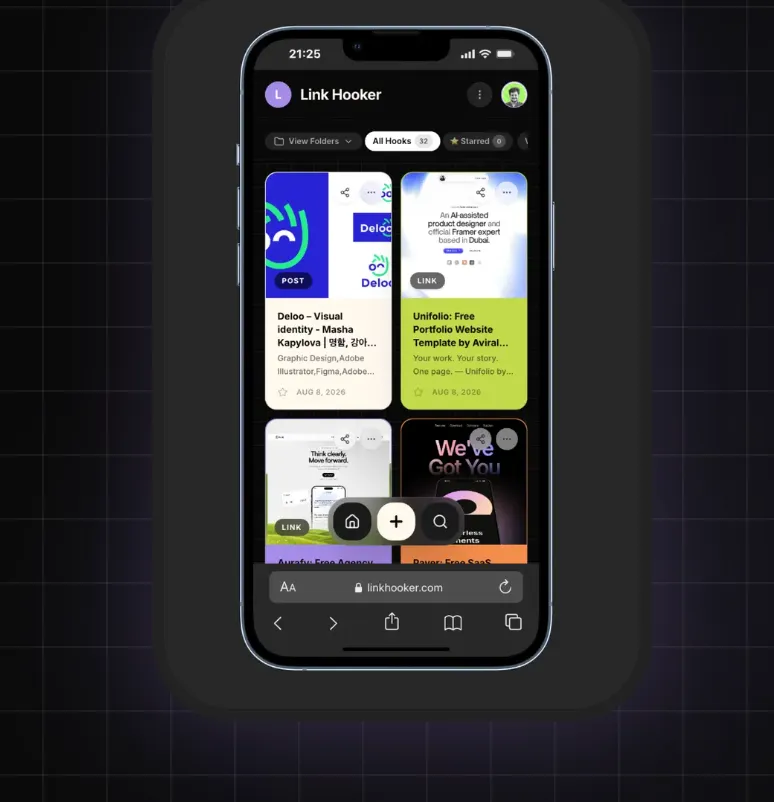 Stop losing links in chat threads. A dedicated organizer like Link Hooker keeps everything visually sorted.
WhatsApp and Instagram were built for conversations, not storage. A link you send yourself sits in the same thread as everything else, so it gets pushed down and buried the same way any message does.
This is usually how it starts. You come across a startup idea worth remembering, a resourceful website, or a tutorial you want to try later. It is not something you need right now, so you send it to yourself on Instagram DM, or drop it into a WhatsApp group with your family. Weeks later, when you actually want that link, you are scrolling through months of messages trying to remember roughly when you sent it. Personally, this happens to me constantly, startup ideas and tools I want to check out, sent to myself on Instagram DM or into my own WhatsApp group. It works fine as a save action. It fails completely as a find-it-again action.
The core problem is structural, not a habit you can fix by being more careful. A chat thread is built to show the newest message first and bury everything older. There is no folder, no tag, and no search that looks inside old links specifically. Scrolling back manually does not scale past a few weeks, and it gets worse every day you keep adding to the same thread. This is not about discipline, it is the tool working exactly as it was designed, just not for this.
How to Save Links from WhatsApp the Right Way
The most reliable way to save links from WhatsApp is to move them out of the chat entirely, into a tool built to store and search links, the moment you save them, not weeks later.
Here is a simple version of this you can start using today:
- When you send yourself a link on WhatsApp to save it, copy the link immediately instead of leaving it sitting in the chat.
- Paste it into a link organizer, like Link Hooker, right away. The title and preview image get pulled in automatically, it takes a few seconds.
- Add a short note if you want to remember why you saved it, for example "startup idea, check their pricing model" or "tutorial for the new feature."
- Sort it into a folder if you already know roughly what it is, work, personal, or something you are researching. If not, that is fine too, you can always move it later.
- Treat the WhatsApp self-chat as a temporary holding spot only, not a permanent one. Clear it out weekly by moving links into your organizer.
The fifth step matters more than it sounds. Most people who struggle with this are not bad at saving links, they are just missing a weekly habit of clearing the temporary spot before it turns permanent. A five-minute Sunday pass through your self-chat is usually enough to stop the pile from forming.
This turns WhatsApp back into what it is actually good at, sending yourself something quickly, and hands the real storage job to a product built for it.
How to Save Links from Instagram DMs
Instagram DMs work the same way WhatsApp self-chat does. Saving a link from Instagram means getting it out of the DM thread and into a proper organizer before it gets buried under newer messages.
Instagram adds one more wrinkle. A lot of what gets sent this way is not a plain link, it is a Reel, a post, or a tip shared to a family group or to yourself. The save method is the same either way, copy the link, drop it into your organizer, and let it auto-detect what kind of content it is. Knowing whether something is a Reel, a post, or a plain article matters, because it changes how you browse for it later, a folder of mixed content types is harder to scan than one that's sorted. If reels specifically are what you keep losing track of, see How to Save Instagram Reels So You Actually Watch Them Later for a dedicated walkthrough.
One habit worth building here: the moment you send something to your family group because they should see it too, also send it to yourself and save it into your organizer if it is something you personally want to come back to. Sharing something for others and saving it for yourself are two different jobs. Mixing them into one thread is exactly why these links disappear, the message serves its social purpose the moment it is sent and read, and after that nobody in the group is going to go digging for it on your behalf weeks later.
What to Do With Links Already Buried in Old Chats
If you already have months of links buried in WhatsApp or Instagram chats, the fastest fix is not scrolling back through everything. It is starting fresh from today and only going back for the specific links you actually remember wanting.
Trying to recover every old link rarely pays off. A better approach:
- Start saving new links properly from today, using the method above.
- If a specific old link comes to mind, WhatsApp's chat search can usually find it if you remember a keyword from the message.
- Do not attempt a full backward sweep of months of chat history in one sitting, it will not stick as a habit, and most of what you find will not be worth the time it took.
- If you do find something worth keeping, save it properly this time instead of leaving it back in the chat.
This Isn't Just a WhatsApp and Instagram Problem
The same thing happens with YouTube's Watch Later list and browser bookmarks, any place built to hold things temporarily eventually turns into a dead pile nobody opens again.
YouTube's Watch Later list works exactly like a WhatsApp self-chat. Things go in with good intentions and never come back out, because nothing about the list encourages you to revisit or clear it. Browser bookmarks fail the same way past a few hundred entries, there is no reliable way to search inside them by what the page was actually about, only by the title you happened to give it, and folders inside folders stop helping once you forget which one you used.
This is the wider pattern Link Hooker is built around, treating every saved link the same way regardless of where it came from, WhatsApp, Instagram, YouTube, or a browser tab you meant to come back to. If you want to see how this fits into the bigger picture of note-taking and "second brain" tools, read Second Brain for Links, Not Notes for how Link Hooker compares to tools like Notion or Obsidian.
How Link Hooker Keeps These Links Organized
Link Hooker saves the link itself, with a title, preview image, and your notes, in one searchable place, separate from your chats entirely.
To be clear: Link Hooker is a link organizer. It saves and organizes the URLs you choose to share into it, not your WhatsApp or Instagram messages themselves, only the specific links you paste in.
Once a link is in Link Hooker, you get:
- Folders, so startup ideas, tutorials, and articles do not all sit in one pile.
- Search across titles and descriptions, so you do not have to remember exactly when you saved something.
- A note field, to jot down why you saved it while it is still fresh in your mind.
- Automatic content-type detection, so a Reel, a video, and a plain article do not all look identical in your list.
The free plan covers up to 150 hooks, up to 2 folders, and basic search, enough to try this out properly before deciding if you need more. See the full feature set on the features page, and compare plans on pricing if you outgrow the free tier.
Key Takeaways
- WhatsApp and Instagram are built for conversation, not storage, which is why saved links get buried.
- Move links into a proper organizer the moment you save them, not weeks later.
- A five-minute weekly clear-out of your self-chat prevents the pile from forming.
- Keep sharing, for others, and saving, for yourself, as two separate actions.
- The same problem shows up in YouTube Watch Later and browser bookmarks, it is not unique to chat apps.
- Link Hooker saves the link only, it never touches the surrounding chat or message.
Frequently Asked Questions
Can I save links from WhatsApp without installing an app? ▼
Is it safe to save Instagram DM links this way? ▼
Does Link Hooker read my WhatsApp or Instagram messages? ▼
What is the difference between saving a link and sharing it? ▼
How much does Link Hooker cost? ▼


Harshal Saraf
Founder, Link Hooker
Harshal started Link Hooker to solve a problem he kept running into himself, links to resources, tools, and tutorials saved across WhatsApp, Instagram, YouTube, and browser bookmarks, that just kept piling up in a Watch Later list or some other dead corner of an app. Nobody goes back and rechecks these old links regularly. Then one day you actually need that link, and it is gone for good. That is the exact problem Link Hooker is built to fix, hook it before you lose it.