

Link Hooker is a link organizer, not a note-taking app. That's not a small distinction. If you've been searching for a "second brain app" and keep landing on tools like Notion or Obsidian, this post explains where those tools fit, where they don't, and why a dedicated place for saved links solves a different problem entirely.
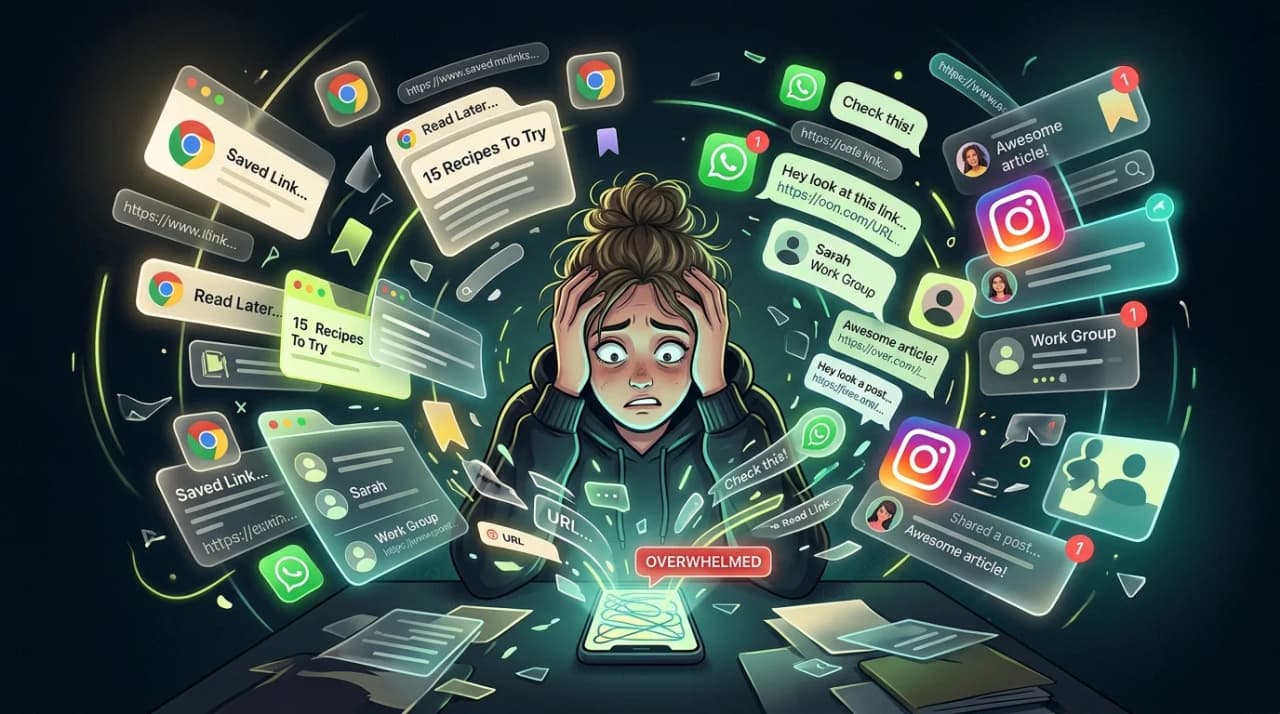
Quick answer: A "second brain" app like Notion or Obsidian is built to store and connect your own notes and ideas. Link Hooker is built to store and find links other people made, saved from Instagram, WhatsApp, YouTube, or anywhere else. If your problem is "I can't find that link I saved," a note-taking app is the wrong tool. A link organizer is the right one.
Table of Contents
- What "second brain" actually means
- Why note-taking apps struggle with saved links
- What makes Link Hooker different
- When you actually need both
- Key takeaways
- Frequently asked questions
What "Second Brain" Actually Means
A second brain, in the productivity sense, is a personal system for capturing and organizing your own ideas, notes, and knowledge so your mind doesn't have to hold onto everything. Tiago Forte popularized the term with his book "Building a Second Brain," published in 2022, and built around his PARA method (Projects, Areas, Resources, Archives) for organizing that information (Building a Second Brain, Tiago Forte, 2022).
Notice what that definition centers on: notes, ideas, and knowledge you create. Apps like Notion and Obsidian are excellent at this. You write something, connect it to related notes, tag it, and build a structure around your own thinking over time.
That's a different job from saving a link someone else made. When you save a YouTube tutorial, a product page, or a friend's Instagram post, you're not creating a note, you're bookmarking something that already exists. Treating that as a "second brain" problem is where a lot of people end up with a messy Notion database full of pasted URLs and no real system underneath it.
Why Note-Taking Apps Struggle With Saved Links
Note-taking apps aren't built to fetch a link's title, description, or thumbnail automatically. Paste a URL into Notion or Obsidian and you usually get raw text or, at best, a basic link preview, then it's on you to manually tag it, sort it, and remember why you saved it later.
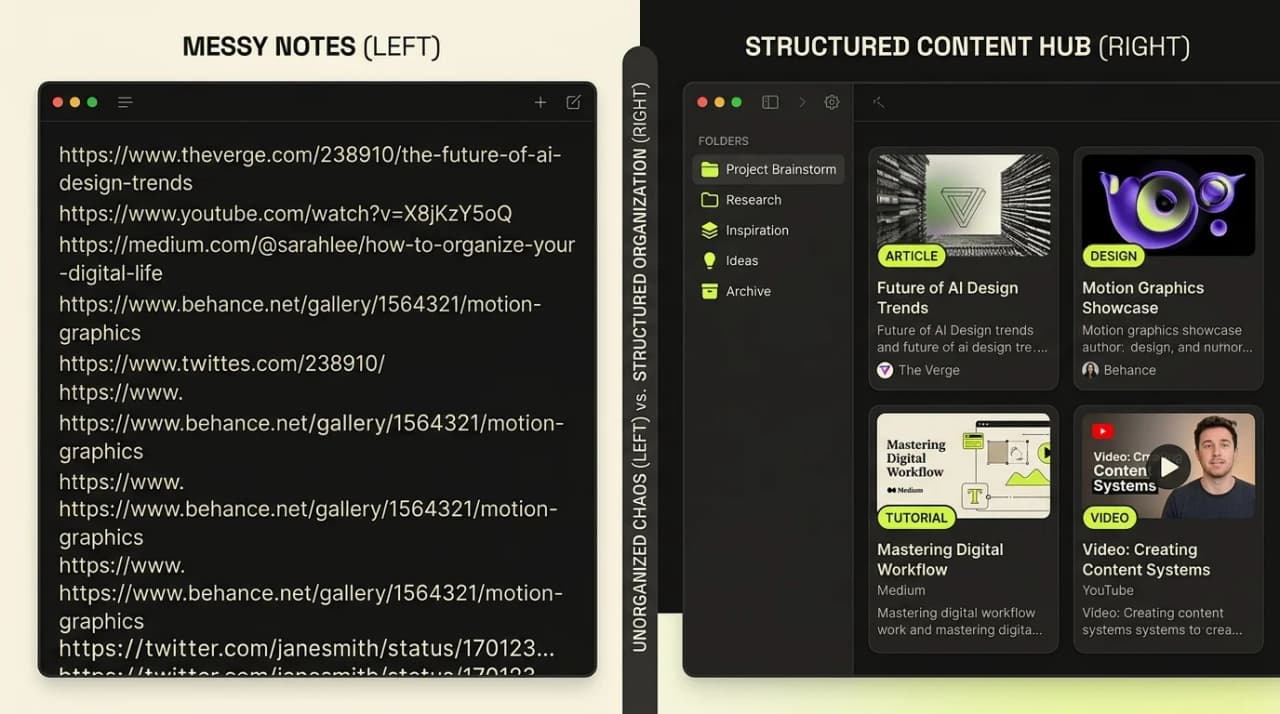
This gets worse at scale. A hundred pasted links in a notes app, with no automatic thumbnail, no content-type filter, and no fast capture flow from your phone, turns into a graveyard fast. The problem isn't that note-taking apps are bad, it's that link storage and note-taking are two different jobs wearing the same "second brain" label, and the tools built for one don't handle the other well.
There's also a mismatch in how you actually save things day to day. Most people aren't opening Notion mid-scroll to paste a link from an Instagram Reel. They're saving it wherever is fastest, often a WhatsApp self-chat, and it stays trapped there. See How to Save and Organize Links from WhatsApp and Instagram DMs for how to fix that specific habit.
What Makes Link Hooker Different
Link Hooker is a link organizer. A saved link is called a "hook." The moment you add one, Link Hooker automatically fetches the title, description, thumbnail, and content type (Video, Blog, Post, Reel, or Unsorted Hook), so there's no manual setup before it's useful.
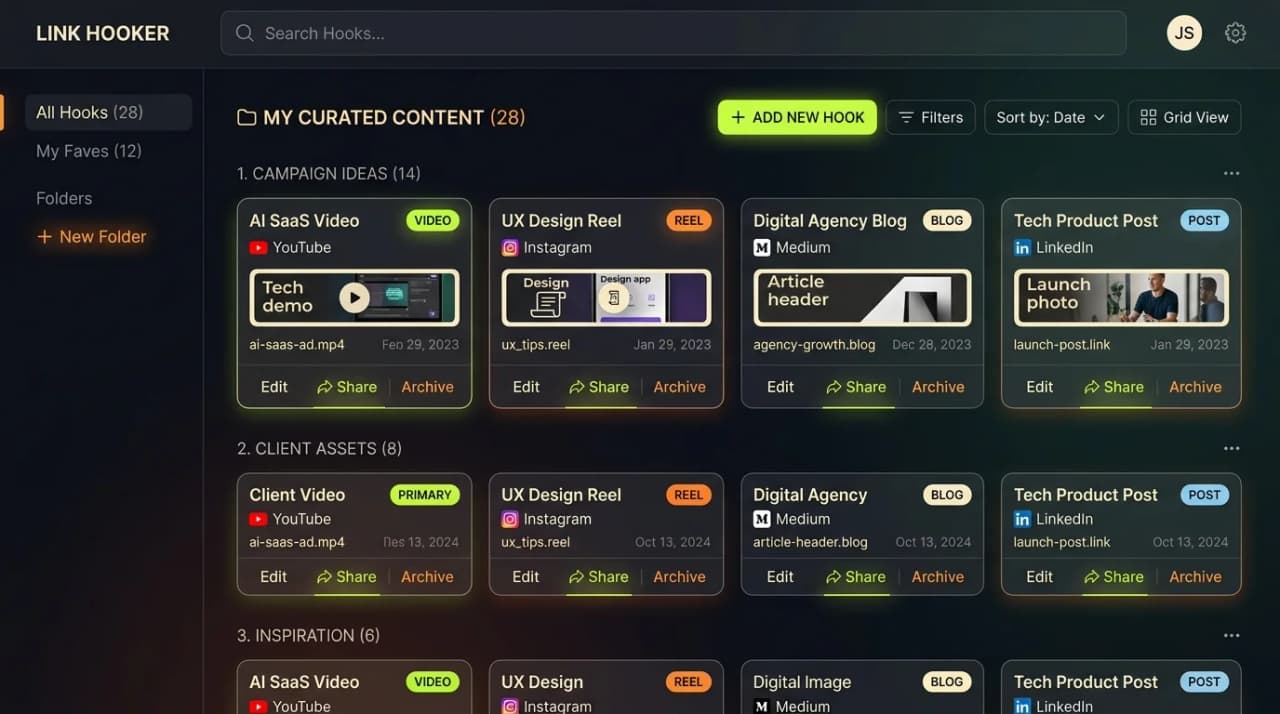
A few specific things separate it from a general-purpose second brain app:
- Automatic metadata. No manual tagging just to make a saved link recognizable at a glance.
- Content-type detection. Filter by Video, Blog, Post, Reel, or Unsorted Hook with one tap, instead of building your own tagging taxonomy.
- Personal notes on every hook. You can still add your own note explaining why you saved something, but the link itself carries structure automatically. You're not starting from a blank page.
- Built for social-first saving. Link Hooker is designed around the reality that most saves happen from Instagram, WhatsApp, or YouTube, not a desktop browser.
Search is a big part of what makes this work day to day, see Full-Text Search: Why Most Bookmark Apps Can't Find What You Saved for how Link Hooker's search actually works. You can see the complete feature set on the features page, and compare plans on the pricing page. The Basic plan is free forever, up to 150 hooks and 2 folders, enough to see whether this actually fits how you save things before paying anything.
When You Actually Need Both
This isn't an argument against note-taking apps. If you write your own ideas, build project plans, or connect concepts over time, a tool like Notion or Obsidian does that job well, and Link Hooker doesn't try to replace it.
The two work fine side by side. Use a note-taking app for your own thinking. Use a link organizer for everything you saved that someone else made. Trying to force both jobs into one app is usually where the mess starts, a link organizer keeps the second job simple instead of turning it into a manual filing project inside a tool built for something else.
Key Takeaways
- A "second brain" in the productivity sense usually refers to organizing your own notes and ideas, not saved links.
- Note-taking apps like Notion and Obsidian aren't built to auto-fetch link metadata, which makes saved links pile up unorganized inside them.
- Link Hooker is a link organizer specifically, it saves URLs called "hooks" with automatic title, description, thumbnail, and content-type detection.
- The two tool types solve different problems and work well together, not as substitutes for each other.
- If your actual problem is "I can't find a link I saved," a link organizer solves it faster than retrofitting a notes app to do the job.
Frequently Asked Questions
Is Link Hooker a second brain app like Notion or Obsidian? ▼
Can I use Link Hooker alongside Notion or Obsidian? ▼
What does Link Hooker do when I save a link? ▼
Does Link Hooker store my WhatsApp or Instagram messages? ▼
About the Author


Harshal Saraf
Founder
Harshal Saraf is the founder of Link Hooker, a link organizer. He started Link Hooker to solve a problem he kept running into himself, links to resources, tools, and tutorials saved across WhatsApp, Instagram, YouTube, and browser bookmarks, that just kept piling up in a Watch Later list or some other dead corner of an app. Nobody goes back and rechecks these old links regularly. Then one day you actually need that link, and it is gone for good. That is the exact problem Link Hooker is built to fix, hook it before you lose it.